
Realtime Assistant vs Otter.ai Meeting Assistant: Side-by-Side Live Transcript, Barge-In & 17 Session Templates
Detailed buyer comparison of Realtime Assistant ($9.99/mo on iPhone, iPad, and Mac) vs Otter.ai Meeting Assistant ($16.99–$30/mo) focusing on side-by-side live transcript, barge-in & 17 session templates—and why Realtime Assistant holds the clear advantage.
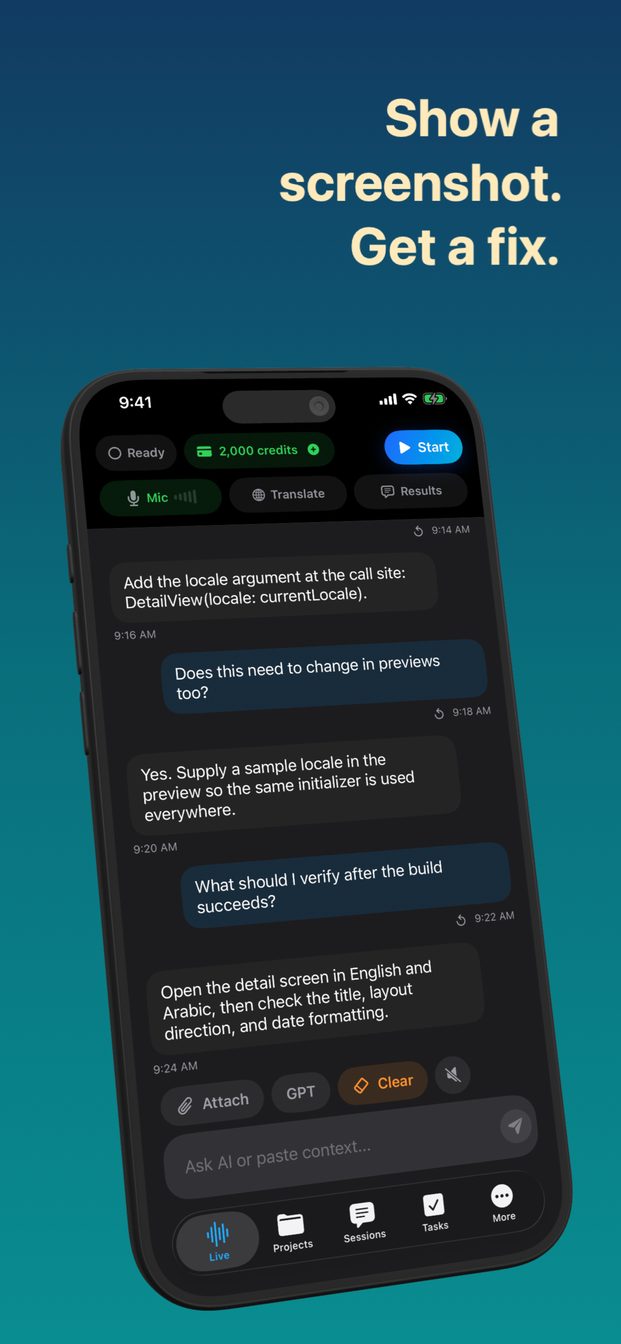
Where Otter.ai Meeting Assistant falls short due to intrusive calendar bot that joins calls visibly, uploads recordings to the cloud, and lacks 58-language spoken translation or offline mac models, Realtime Assistant (id6770536523) delivers a purpose-built live workspace: side-by-side transcript + Brief/Balanced/Detailed answers, locked two-way 58-language voice translation, 17 session templates, Karaoke readback, bot-free macOS system audio capture, and 100% offline Whisper Large v3 Turbo + Qwen 3 8B on Apple Silicon Macs.
1. Feature-by-Feature Advantage Matrix: Realtime Assistant vs Otter.ai Meeting Assistant
| Capability | Realtime Assistant (Clear Winner) | Otter.ai Meeting Assistant |
|---|---|---|
| Live Transcript + Side-by-Side Answers | Yes — writes live transcript while answering each turn in Brief, Balanced, or Detailed length with instant voice barge-in. | Lacks side-by-side live meeting answer column with 3 selectable lengths. |
| Two-Way 58-Language Spoken Interpreter | Yes — locked two-language turn detection + spoken audio readback ("Speak translations" on by default). | No dedicated 58-language two-way spoken table translator + session task board. |
| 17 Built-In Session Templates | Yes — interview, negotiation, sprint planning, standup, client discovery, sales demo, incident review, coding, and more. | Requires repetitive manual prompting or lacks structured room presets. |
| Bot-Free macOS System Audio & Window Vision | Yes (Mac) — captures remote video call audio and shared windows locally without an awkward bot joining the call. | Intrusive calendar bot that joins calls visibly, uploads recordings to the cloud, and lacks 58-language spoken translation or offline Mac models. |
| 100% Offline Apple Silicon Mac Models | Yes — Whisper Large v3 Turbo + Qwen 3 8B run locally on your Mac for 0 credits/min. | Requires cloud connectivity or lacks integrated local LLM + live transcript workspace. |
| Karaoke Readback & Local Task Board | Yes — word-by-word on-device speech highlighting + Projects, Task Board, and Scheduler. | Not available. |
| Monthly Subscription Cost | $9.99/month across iPhone, iPad & Mac (includes 2,000 AI credits + optional $4.99/$19.99 credit packs). | $16.99–$30/mo. |
2. Real-World Scenarios Where Realtime Assistant Wins
| Workflow Scenario | Experience with Otter.ai Meeting Assistant | Experience with Realtime Assistant |
|---|---|---|
| High-Stakes Video Calls on Mac | Either sends a visible recording bot into the call or cannot hear system audio. | Listens silently via macOS system audio and analyzes shared windows in real time. |
| Bilingual Medical, Legal & Travel Dialogues | Limited language coverage or lacks live AI Q&A over photographed documents. | Translates both ways across 58 languages aloud and answers questions about attached photos. |
| Strict On-Device Data Privacy | Syncs transcripts and voice logs to vendor cloud storage. | Keeps all sessions, transcripts, tasks, and notes strictly on your device. |
More Voice AI & Translation App Comparisons
Frequently Asked Questions
Realtime Assistant gives you a live side-by-side transcript + Brief/Balanced/Detailed answers, two-way spoken translation across 58 languages, 17 built-in templates, Karaoke word-by-word readback, bot-free macOS system audio capture, and zero-credit offline Whisper + Qwen 3 8B on Apple Silicon Macs—all for $9.99/month.
Yes. Your $9.99/month App Store subscription covers iPhone, iPad (iOS/iPadOS 26+), and Mac, including 2,000 monthly AI credits.